Connect Vtiger CRM with Microsoft Outlook for better collaboration.
Microsoft Outlook is a popular email organizer with in-built features such as contact management, calendar, and note manager.
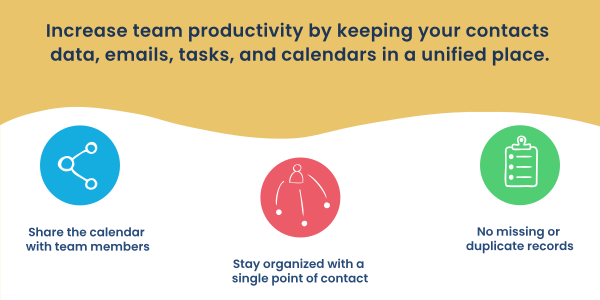
It is the perfect tool to integrate with CRM systems as it boosts internal team collaboration and saves time. Increase team productivity by keeping your contacts data, emails, tasks, and calendars in a unified place.
Features:
- Sync your contacts, events, and tasks between Vtiger CRM and Outlook.
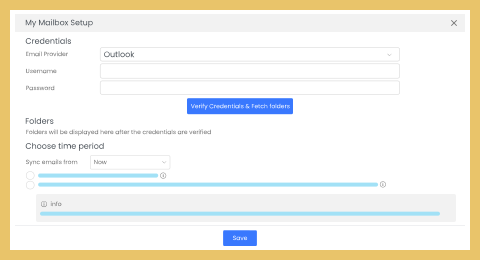
- Attach the emails received in Outlook to leads, organizations, contacts, and vendors in Vtiger CRM.
- Configure the sync direction and indicate the data flow between Vtiger CRM and Outlook.
- Data sync works per the profiles and sharing rules in your Vtiger CRM.
- Easy access to CRM data within your Outlook inbox.
- Check duplicate records.
- 360-degree view of your contacts right in the Outlook inbox.
- Enables you with the following actions: Create a lead or a contact, Add comments, Create follow-up meetings and view upcoming events and Archive emails to a contact record.
Benefits:
- Share the calendar with team members, and consolidate customer interaction in one centralized portal.
- Stay organized with a single point of contact for all internal and external communication history.
- No missing or duplicate records.
- Never miss the appointments with the Calendar sync.
Download (32-bit) | Download (64-bit)
Available in these editions:
one pilot
one growth
one professional
one enterprise