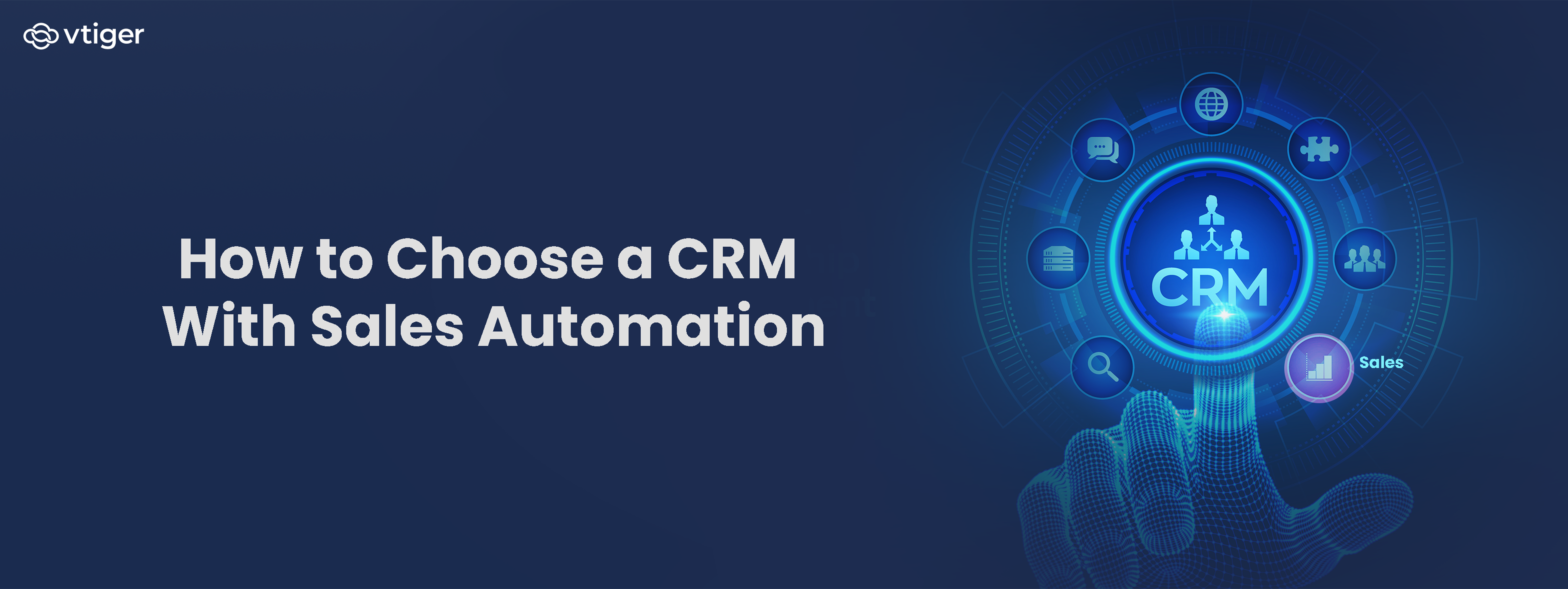
A CRM with sales automation should automate repetitive work across lead capture, assignment, follow-ups, pipeline updates, approvals, and reporting while keeping people involved where judgment is required. When evaluating options, businesses should look at workflow flexibility, lead routing, integrations, reporting, data migration, AI capabilities, and ease of administration.
Sales teams rarely lose time on one large administrative task. The time usually disappears across dozens of small actions: assigning a lead, logging an email, creating a follow-up task, updating a deal stage, checking whether a prospect replied, or rebuilding a pipeline report.
Which is why sales automation is designed to remove this repetitive work. However, automation is only useful when the underlying process is clearly defined. A CRM can execute an inefficient process faster just as easily as it can execute a good one.
That makes choosing a CRM more important than the number of automation features listed on a product page.
Businesses need to evaluate how automation works across the sales process, how easily teams can change it, how customer data moves between systems, and where AI adds useful judgment rather than simply adding another layer of notifications.
What Is Sales Automation in CRM?
Sales automation in CRM uses predefined rules, triggers, and actions to perform repetitive sales activities with limited manual intervention.
A typical workflow contains three elements:
- Trigger: An event starts the automation.
- Conditions: The CRM determines whether the record meets specific criteria.
- Action: The system performs an activity such as assigning a lead, creating a task, updating a field, or sending an email.
| For example:New lead submitted → Region = West → Assign to West Coast sales team → Create follow-up task |
This differs from simply storing customer information. A CRM with workflow automation can respond to activity in the customer record and execute predefined actions without requiring a sales representative to perform every step manually.
For businesses still documenting their sales processes, understanding what a sales process involves is an important starting point before deciding which activities to automate.
Why Should Businesses Use a CRM With Sales Automation?
Sales automation is useful when a task follows a repeatable pattern and does not require constant human judgment.
McKinsey research estimated that approximately one-third of sales and sales operations activities could be automated using technology available at the time of its 2020 analysis. The proportion varies considerably by activity, so don’t interpret the figure as one-third of every sales role being replaceable.
For businesses, the practical benefits include:
Reduce Manual Data Entry
Activities such as lead assignment, task creation, field updates, and activity logging can happen automatically when predefined conditions are met.
Respond to Leads Faster
Automated routing can assign incoming leads according to criteria such as territory, workload, or other business rules. Faster assignment reduces the delay between lead capture and the first sales action.
Maintain Consistent Follow-Ups
A workflow can create reminders or tasks after a defined event, reducing reliance on individual memory.
Keep Pipeline Records Current
Automations can update fields or create activities when specific sales events occur, helping managers work from more current records.
Standardize Sales Processes
When the same conditions trigger the same actions, sales teams can follow a more consistent process across representatives and territories.
The value increases when automation connects to a clearly defined sales methodology rather than being added to an undefined process.
Key Sales Automation Features to Look For
Evaluate a CRM’s automation capabilities against real sales scenarios, not a feature checklist. During a trial, recreate a few workflows from the current sales process and see how much administrative support they require to maintain.
Automated Lead Capture and Assignment
The CRM should capture leads from relevant sources and assign them to the appropriate representative or team.
Check whether assignments can be based on criteria such as territory, deal size, availability, language, product, or workload. Vtiger, for example, supports assignment modes including Round Robin and Least Loaded for supported modules.
This matters because lead routing is often the first automated decision in the sales process. A system that captures leads but still requires manual sorting leaves a significant part of the process untouched.
Editable Workflow Automation
Look for workflows that let administrators or sales operations teams define triggers, conditions, and actions without needing developers for every change.
Common actions include:
- Creating tasks
- Creating events
- Sending emails
- Updating CRM fields
- Sending notifications
- Triggering custom functions
The workflow should also make it clear why an automation fired. Otherwise, troubleshooting becomes difficult as the number of workflows grows.
Automated Email and Follow-Ups
Email automation should support more than scheduled messages.
Evaluate whether sequences can:
- Use customer and deal information for personalization
- Create follow-up tasks
- Stop or change when a prospect responds
- Trigger actions based on engagement
- Record communication against the correct customer or deal
Automation should reduce repetitive communication work without sending the same sequence to every prospect.
Sales Pipeline Automation
Pipeline automation should connect sales stages with the activities required to move a deal forward.
| For example:Deal enters negotiation → Create approval task → Notify manager → Set follow-up date |
Look for the ability to create stage-specific activities, identify stalled deals, and surface records that need attention.
Reporting and Forecasting
Automation is only useful if managers can measure what happens afterward.
Evaluate whether the CRM can report on:
- Leads by source
- Conversion rates
- Pipeline value
- Sales activity
- Deal aging
- Win rates
- Forecasts
- Representative performance
Reports should use the same records that drive the workflows. If managers need to export CRM data into spreadsheets to understand whether automation is working, the reporting layer needs closer evaluation.
AI-Powered Sales Assistance
AI can extend rule-based automation by analyzing customer and deal information and recommending actions that may not fit a fixed rule.
| For example, a conventional workflow can create a follow-up task when a deal enters a stage. AI can analyze engagement, conversations, sentiment, and historical activity to recommend which opportunity deserves attention next. |
A useful guide to how CRM AI works explains why the quality and completeness of CRM data directly affect the usefulness of these recommendations.
Which CRM Integrations Matter for Sales Automation?
The most important integrations are usually the applications sales representatives already use every day.
| Integration | Data or Activity to Connect | Business Value |
| Messages, contacts, communication history | Reduces manual activity logging | |
| Calendar | Meetings, attendees, reminders | Connects meetings to customer records |
| Google Workspace | Gmail, Calendar, Contacts, Drive, Meet | Keeps customer work connected to daily tools |
| Marketing | Campaign activity, responses, lead data | Improves lead handoff |
| Customer support | Cases, interactions, account history | Gives sales teams broader customer context |
| Accounting or ERP | Orders, invoices, payments | Connects commercial activity with financial data |
| Collaboration | Alerts, approvals, deal updates | Keeps internal decisions connected to CRM records |
For Google Workspace users, integration depth matters more than a simple “Google integration” badge. Check which applications are supported, whether data syncs in both directions, what users can access, and how permissions are handled.
Businesses evaluating this specifically can use a CRM with Google Workspace integration as a separate comparison criterion rather than treating email and calendar connectivity as an afterthought.
Vtiger currently lists Google Workspace among its integrations, including Gmail, Calendar, Contacts, Meet, Drive, Sheets, Maps, and Google My Business.
How Should Businesses Evaluate CRM Migration?
Sales automation depends on the data inside the CRM. Migrating poor-quality data into a new system simply gives the new workflows poor-quality records to work with.
- Audit Existing Data
Before migration, identify duplicate contacts, inactive accounts, incomplete fields, obsolete deals, inconsistent naming conventions, and unused custom fields.
- Map Fields Between Systems
Document how fields in the existing CRM correspond to fields in the new system. Pay particular attention to custom fields, picklists, ownership fields, deal stages, and relationships between records.
- Preserve Activity History
Contacts and deals without their communication history provide an incomplete view of the customer relationship. Test whether emails, calls, meetings, notes, and previous activities migrate with the relevant records.
- Test With a Real Sample
Do not validate migration only with a clean demonstration dataset. Use a representative sample containing duplicates, custom fields, old activities, closed deals, and unusual records.
- Run a Controlled Cutover
A pilot group can identify workflow and data-mapping problems before the entire sales organization moves to the new system.
The objective is not simply to transfer records. It is to ensure that the data structure required by the new automation model is reliable before workflows go live.
How Vtiger Supports Sales Automation
Vtiger combines sales automation, workflow capabilities, reporting, integrations, and AI-assisted selling within its CRM platform.
Its sales CRM supports lead capture, automated lead assignment, lead scoring, follow-up alerts, pipeline management, forecasting, reporting, and automated tasks.
The platform’s workflow capabilities use triggers, entry criteria, and actions to automate repetitive operations such as sending emails, creating activities, updating fields, and generating notifications. Its Process Designer offers a graphical way to build business workflows.
For teams that want to understand the broader platform before assessing individual features, the all-in-one CRM platform provides an overview of how sales, marketing, help desk, productivity, and other capabilities connect.
How Does AI Fit Into Sales Automation?
Rule-based automation works best when you can define the desired action in advance.
AI becomes useful when the system needs to analyze multiple signals before recommending an action.
Calculus AI can analyze CRM data and sales interactions to provide capabilities such as:
- Deal scoring
- Next-best-action recommendations
- Best time to contact
- Conversation insights
- Sentiment analysis
- Predictive sales forecasting
- Email reply assistance
| For example, a workflow can create a task when a deal enters a particular stage. AI can analyze the deal’s engagement, conversations, sentiment, and other signals to identify risk or recommend a next action. |
The distinction matters:
| Rule-Based Automation | AI-Assisted Sales |
| Follows predefined conditions | Analyzes patterns and context |
| Predictable trigger and action | Generates recommendations |
| Best for repeatable processes | Useful when multiple signals matter |
| Easier to audit | Requires evaluation of output |
| Does exactly what the rule specifies | Guides a human decision |
The goal is not to replace workflow automation with AI. A well-designed CRM can use both.
How to Choose a CRM With Sales Automation
A useful evaluation starts with the sales team’s actual workflow rather than the vendor’s feature list.
Map the Repetitive Work
Document every recurring administrative action across lead capture, qualification, follow-up, pipeline management, quoting, and reporting.
Separate tasks that follow clear rules from tasks that require judgment.
Define the Required Integrations
List the applications that sales representatives use every day. Include email, calendar, marketing, customer support, accounting, ERP, telephony, and collaboration tools where relevant.
Test Workflow Administration
Ask a sales operations user to build or modify a real workflow during the trial.
Check how easily they can change:
- Triggers
- Conditions
- Actions
- Assignment logic
- Notifications
- Follow-up tasks
Test With Real Sales Data
Use a representative dataset instead of a vendor-created demo account.
Test duplicates, inactive records, complex deals, multiple owners, historical activities, and custom fields.
Evaluate AI Separately
Assess AI by the quality and relevance of its recommendations, not simply whether an AI label appears on the product page.
Ask:
- What data does the model use?
- Can users understand why a recommendation was generated?
- Can recommendations be overridden?
- What happens when CRM data is incomplete?
- Which decisions remain with the sales representative?
Calculate the Total Cost
Consider more than the subscription price.
Include:
- User licenses
- Implementation
- Data migration
- Integration costs
- Automation limits
- Training
- Administration
- Future user growth
A CRM that looks inexpensive per user can become significantly more expensive when essential integrations or automation capabilities require additional products.
Common Sales Automation Mistakes to Avoid
Sales automation works best when the underlying process, data, integrations, and customer communication are properly structured. Certain implementation mistakes can cause automation to create more work, trigger incorrect actions, or make customer interactions less relevant.
Automating an Undefined Process
A workflow cannot compensate for unclear sales stages. Define what each stage means and what must happen before a deal moves forward.
Creating Too Many Workflows
Every workflow can introduce another notification, task, field update, or dependency. Build around high-volume, repeatable processes first and retire workflows that no longer serve a business purpose.
Ignoring Data Quality
Automation acts on the information available to it. Missing territory information can break lead assignment. Incorrect deal stages can trigger the wrong follow-up. Duplicate contacts can create fragmented customer histories. Data quality controls should therefore be part of the automation strategy.
Treating Integrations as Optional
When email, calendar, billing, or marketing data remains outside the CRM, sales representatives continue copying information manually.
Vtiger currently supports more than 500 business application integrations, including Google Workspace and applications across accounting, ecommerce, telephony, marketing, productivity, and other categories.
Automating Customer Communication Too Aggressively
Automated outreach should respond to customer behavior rather than continue regardless of it. Sequences should account for replies, changes in deal status, and situations where a sales representative needs to take over.
CRM Sales Automation Evaluation Checklist
Before selecting a platform, verify that it can answer each of these questions:
| Evaluation Area | Question to Ask |
| Lead management | Can leads be captured and routed automatically? |
| Workflows | Can non-developers create and modify workflows? |
| Pipeline | Can stage changes trigger relevant activities? |
| Follow-ups | Can reminders and tasks be created automatically? |
| Can communication be logged and automated appropriately? | |
| Reporting | Can managers build reports from live CRM data? |
| AI | Does AI provide recommendations based on CRM context? |
| Integrations | Does it connect with the tools the sales team already uses? |
| Google Workspace | Does it support the required Google applications and sync behavior? |
| Migration | Can it preserve historical activities and relationships? |
| Administration | Can the sales operations team manage the system without constant technical support? |
| Governance | Can workflows and automated actions be reviewed and controlled? |
| Scalability | Will the automation model still work as users, records, and processes grow? |
Frequently Asked Questions
What is a CRM with sales automation?
A CRM with sales automation combines customer relationship management with workflows that perform repetitive sales activities. These can include lead assignment, follow-up tasks, field updates, notifications, email automation, and pipeline activities.
What sales processes can a CRM automate?
Common examples include lead capture, lead assignment, follow-up reminders, task creation, email sequences, pipeline updates, notifications, approvals, recurring reports, and certain data-entry activities.
What features should I look for in a sales automation CRM?
Look for workflow automation, lead routing, pipeline automation, email and follow-up tools, reporting, forecasting, integrations, data migration capabilities, and AI-assisted sales features. Ease of administration is also important because sales processes change over time.
Can CRM software integrate with Google Workspace?
Yes. Many CRM platforms integrate with Google Workspace applications such as Gmail and Google Calendar. The depth of integration varies, so check supported applications, sync direction, permissions, and which customer activities are automatically recorded.
How does AI differ from CRM workflow automation?
Workflow automation follows predefined conditions and actions. AI analyzes data and patterns to provide predictions, recommendations, summaries, or other assistance. The two approaches can work together: workflows handle predictable tasks, while AI supports decisions that depend on broader context.
What should businesses consider when migrating to a new CRM?
Businesses should clean existing data, remove duplicates, map fields, preserve relevant activity history, test integrations, and run a controlled migration before full deployment. Use a real sample of existing CRM data to test the migration.
How long does CRM sales automation implementation take?
The timeframe depends on data quality, workflow complexity, integrations, customization, and the size of the sales organization. Simple workflows can be configured quickly, while migrations and multi-system implementations require substantially more planning and testing.
Can sales automation replace sales representatives?
Sales automation can reduce repetitive administrative work, but activities involving negotiation, relationship management, complex objections, commercial judgment, and customer decisions still require human involvement. The appropriate objective is usually to automate repeatable execution while giving sales representatives better information and more time for customer-facing work.