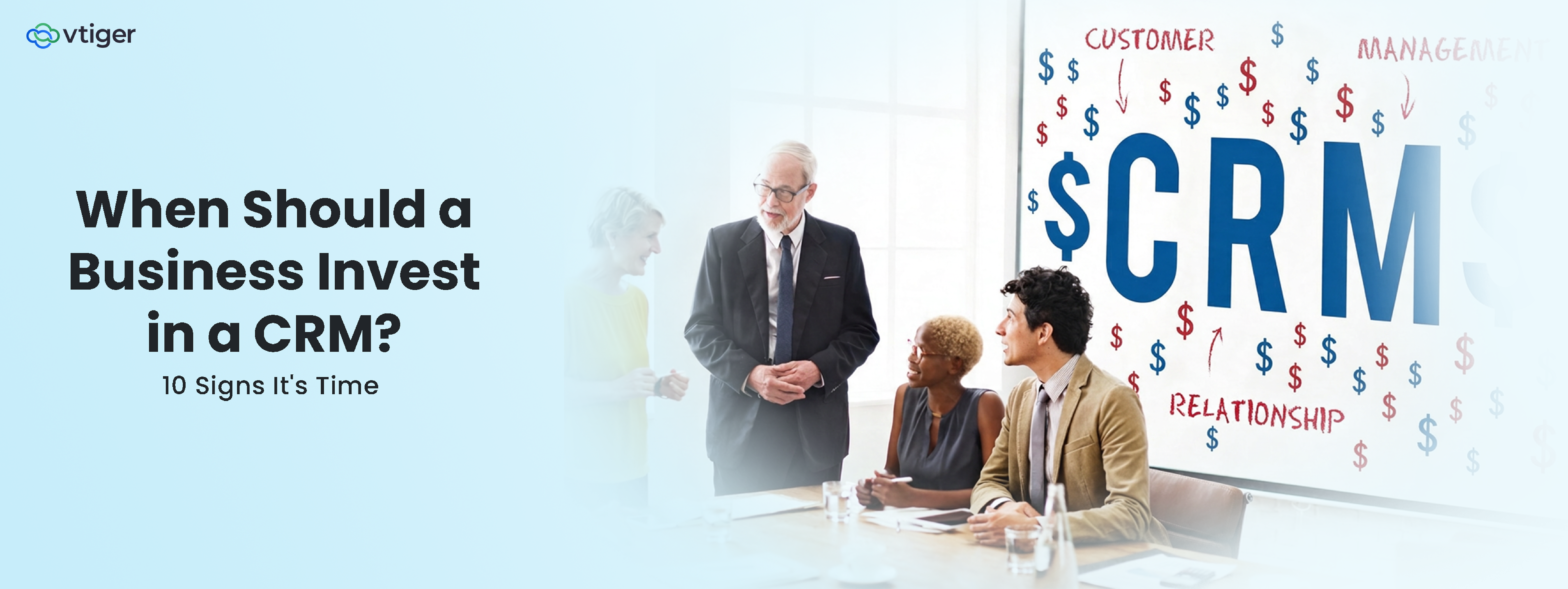
A business should invest in a CRM when spreadsheets and disconnected tools make it hard to manage customers, leads, sales activities, or team communication. Common signals include missed follow-ups, growing customer data, inconsistent processes, limited sales visibility, and increasing collaboration needs. A CRM becomes especially valuable as a business scales and needs standardized, automated, measurable customer-facing processes.
Most businesses don’t decide to get a CRM from the get-go. They put it off, usually past the point where it would have helped, because switching systems feels more expensive than staying disorganized. That math quietly flips as a company grows. The spreadsheet that worked fine for thirty customers starts actively losing deals at three hundred, and nobody notices exactly when it happened.
Almost every business eventually agrees it needs a CRM. However, this scenario also depends on key stakeholders recognizing the specific, concrete signals that the delay is already costing something, versus those that don’t yet justify the switch. The difference between needing a CRM and simply wanting one depends on whether these signals are showing up in your business right now.
What Does It Mean to Invest in a CRM?
“Investing in a CRM” sounds like a software purchase, but it functions more like infrastructure.
The benefits of CRM show up across five areas at once, not one:
- Customer data management (a single record instead of scattered files)
- Sales and marketing coordination (teams working from the same information instead of parallel versions of it)
- Process automation (routine work handled by the system instead of a person’s memory)
- Reporting and decision-making (real numbers instead of estimates)
- Long-term scalability (a process that holds up at 10x the headcount, not just today’s)
That framing matters because it changes what the investment is being measured against. A CRM that costs money every month looks expensive next to a free spreadsheet. It looks different next to the deals a spreadsheet quietly loses, which is the comparison that actually matters.
10 Signs Your Business Needs a CRM
Certain indicators of CRM readiness are immediately clear, but others quietly drain revenue long before they cause a visible breakdown.
The table below provides a quick overview, followed by ten detailed scenarios that show how these challenges show up in daily operations.
| Sign | What It Looks Like | What a CRM Fixes |
| 1. Scattered info | Customer details live in spreadsheets, inboxes, and people’s heads. | One record per customer, visible to everyone who needs it. |
| 2. Missed follow-ups | Leads go cold because no one remembered to reply. | Automatic reminders and task assignment. |
| 3. Pipeline is a guess | No one can say what’s actually in progress or about to close. | A visible, shared pipeline with defined stages. |
| 4. Rising customer count | Personal attention gets harder as volume climbs. | Structured history that scales past what memory can hold. |
| 5. Shared accounts, no map | Two people email the same customer without knowing it. | Clear ownership and shared visibility per account. |
| 6. Manual busywork | Hours go to data entry and copy-paste reporting. | Automated data capture and reporting. |
| 7. Management is blind | Leadership can’t see pipeline health without asking around. | Real-time dashboards and forecasting. |
| 8. Inconsistent experience | Customers repeat themselves to every new rep. | Full interaction history, visible to whoever picks up the thread. |
| 9. Scaling complexity | New locations or teams multiply the chaos. | One standardized process that scales with headcount. |
| 10. Can’t measure it | No reliable number for conversion rate or team performance. | Consistent, structured data behind every report. |
If three or more of these describe your business right now, a CRM is very likely already costing you revenue, not just convenience.
1. Customer Information Is Scattered Across Tools
The same customer’s details are scattered across five different places— a spreadsheet, an email inbox, a shared document, one employee’s notebook, and maybe a second app nobody else uses. Reassembling the complete picture before a call takes longer than the call itself.
- Spreadsheets with different versions floating around
- Email inboxes functioning as the real record
- Documents that drift out of sync with each other
- Individual employee records that leave with the employee
- Multiple disconnected applications holding partial data
2. Your Team Is Missing Follow-Ups
A lead asks a question, gets a reply three days late, and books with a competitor who replied in three hours. Nobody did anything wrong individually; no one had a system to track who owed whom a response.
- Delayed responses to live opportunities
- Forgotten tasks with no reminder behind them
- Missed sales opportunities that surface only in hindsight
- Inconsistent communication depending on who picked up the thread
3. Sales Opportunities Are Difficult to Track
Ask “what’s likely to close this month,” and the honest answer requires someone to check several places and manually guess the rest. That’s not a forecasting problem; it’s a visibility problem.
- No centralized pipeline anyone can check
- Unclear deal stages that mean different things to different people
- Limited visibility into upcoming revenue
- Pipeline updates that depend on someone remembering to do them
4. Your Business Is Adding More Customers
Personal memory scales linearly with effort and breaks down well before customer count does. What worked for recalling fifty customers’ preferences and history stops working entirely by five hundred.
- Increasing customer records to track
- Higher interaction volume per account
- Greater need for structured customer histories
- Difficulty maintaining the personal touch that used to come naturally
This is usually the point where a CRM built for small business stops being optional overhead and starts being what lets growth continue without dropping quality.
5. Multiple Employees Handle the Same Customers
Two reps email the same prospect within a day of each other, each unaware the other reached out. The customer notices before anyone on the team does.
- Need for shared, real-time information.
- Clear ownership of who’s responsible for what.
- Cross-team coordination between sales, marketing, and support.
- Reduced dependency on any one employee’s memory.
6. Manual Processes Are Taking Too Much Time
Hours each week go to retyping the same data in different places, manually assigning tasks, and building reports from numbers that should already be structured.
- Repetitive data entry across systems
- Manual task assignment instead of automatic routing
- Recurring follow-ups tracked by memory, not by system
- Spreadsheet-based reporting rebuilt from scratch each time
7. Management Lacks Sales and Customer Visibility
Leadership learns about a problem account or stalled deal only after it’s already gone wrong, because there’s no dashboard, just a collection of individual inboxes.
- Difficulty tracking team performance in real time
- Limited forecasting ability
- No real-time pipeline visibility
- Reporting that arrives too late to act on
8. Customer Experience Is Becoming Inconsistent
A customer repeats their issue to a third different person because none of the first two left a usable note. Each interaction starts from zero instead of building on the last one.
- Different teams working from different information
- Customers repeating themselves to every new contact
- Slow responses because context has to be rebuilt each time
- Inconsistent follow-up depending on who’s handling the account
9. Your Business Is Scaling Into New Markets or Teams
A process that worked for one office or small team doesn’t automatically survive when you copy it to a second. Without a shared system, each new team quietly develops its own version of “how we do things.”
- More locations running in parallel
- Larger sales teams needing the same playbook
- New products or services adding complexity
- Process complexity that compounds with each addition
10. You Cannot Reliably Measure Business Performance
Conversion rate, average deal size, response time,these should be numbers you can pull in a minute, not a research project. If they’re not, the business is being run on impressions rather than data.
- Difficulty identifying real conversion rates
- Limited customer insight beyond anecdote
- Manual KPI tracking that’s stale by the time it’s compiled
- Inconsistent reporting that changes depending on who built it
How Much Should a Business Invest in a CRM?
The right answer for how much a business should invest in a well-integrated, cross-departmental database, one that makes data management as convenient as possible, depends more on team size and complexity than on any fixed budget rule.
More useful than a target figure is understanding what actually drives cost up or down.
- Per-user pricing: Most CRMs charge per active user per month, so the headcount using the system is usually the single biggest lever on total cost.
- Feature tier: Basic contact and pipeline management costs far less than tiers that add automation, AI-assisted insights, or advanced reporting.
- Implementation and setup: Migrating existing data, configuring workflows, and training the team is a real, separate cost from the software subscription itself, and it’s the one most often underestimated.
- Integrations: Connecting the CRM to email, calendars, and other existing tools can be included or can carry its own cost, depending on the platform.
The more useful question isn’t “what’s the cheapest option,” it’s “what does a properly configured version of this actually cost to run.” Rushed implementations and under-planned CRM implementations are where budgets usually go wrong, not in the software’s sticker price. Teams that treat setup as seriously as the subscription reach positive ROI faster than teams that don’t.
Frequently Asked Questions
Is a CRM necessary for every business?
A CRM isn’t necessary for every business, especially solopreneurs or small operations with few clients and simple interactions. Simple spreadsheets or basic tracking tools are often enough until high lead volume, long sales cycles, or multi-person teams make centralized tracking essential.
Can a small business benefit from a CRM?
Yes, small businesses derive significant strategic value from a CRM by centralizing customer records and streamlining sales workflows. Because small teams have limited operational bandwidth, an organized system prevents missed revenue opportunities and optimizes client retention.
What is the biggest sign that a company needs CRM software?
Missed follow-ups are usually the clearest sign because they directly cost revenue and are the easiest to point to afterward: a lead that should have converted didn’t because no one tracked that it needed a response.
Should a startup invest in a CRM from the beginning?
Not necessarily from day one, but earlier than most founders assume. Establishing good data habits (consistent fields, logged interactions) before the business scales is considerably easier than retrofitting them onto years of scattered spreadsheets later.
Is a CRM worth the cost for a small sales team?
Generally yes, since the core problems a CRM solves (missed follow-ups, no shared pipeline visibility) hit a small team just as hard as a large one, often harder, since there’s no slack to absorb the lost deals.
How do I know if my business has outgrown spreadsheets?
If updating or cross-referencing your customer spreadsheet is itself taking meaningful time each week, or if two people have ever worked from different versions of it, that’s the outgrowing point, regardless of your exact customer count.
What should I prioritize when selecting a CRM?
Start with the specific problems from the ten signs above that actually apply to your business, not a generic feature checklist. A structured approach to choosing a CRM covers this in more depth, but the short version is: solve your 2 or 3 biggest active problems first, and treat every other feature as secondary.