Key Essential features in a CRM for service businesses
Service-led organizations require CRM systems that align sales execution with service delivery and customer support. From lead management to SLA enforcement and analytics, the right CRM capabilities ensure consistency across customer interactions.
Sales Automation
Sales automation in a CRM for service businesses focuses on managing relationships rather than one-time transactions. Leads and contacts store complete customer records, including prior communications and service history, which is critical for consultative selling. Playbooks guide sales reps through structured service-oriented deal stages, while sales funnels support lead capture through landing pages, webforms, and campaigns. For service teams, this ensures every enquiry is followed through consistently, with context and operational discipline.
Sales Enablement
In a professional services CRM, sales enablement removes delays caused by scattered documents and manual coordination. Teams can track engagement with quotes, proposals, and collateral to understand client intent. Email templates ensure messaging stays consistent while allowing personalization. Appointment pages simplify scheduling across time zones and busy calendars. Together, these features help service teams respond faster, communicate clearly, and maintain professionalism throughout long, relationship-driven sales cycles.
Pipeline Management
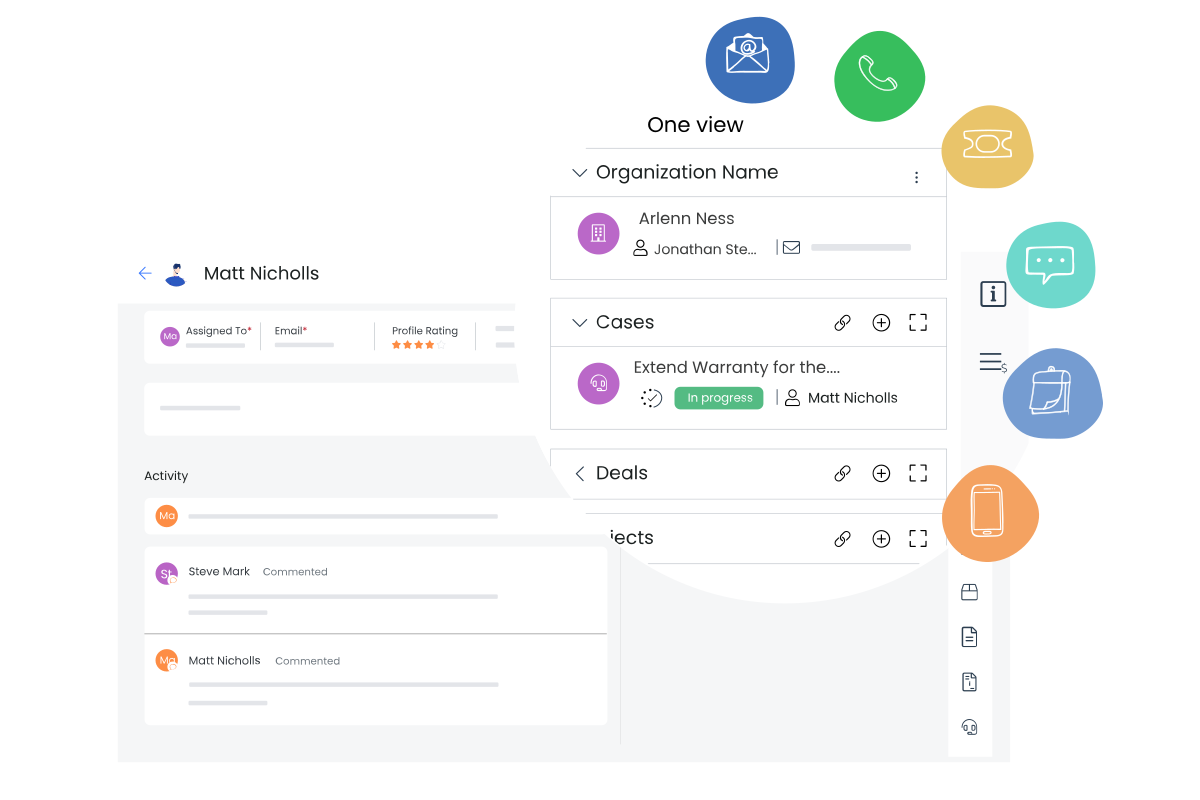
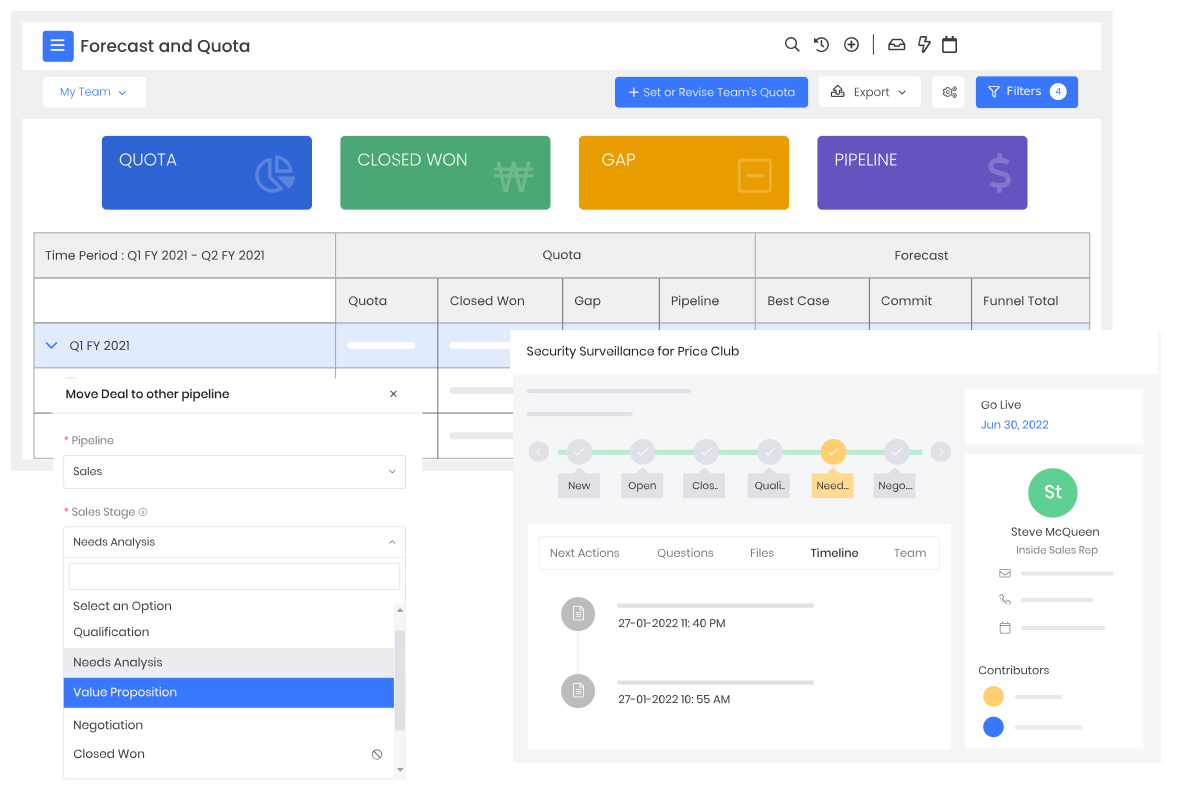
Pipeline management in a CRM for service companies provides clarity across complex, multi-stage deals. Deals show current status alongside cases, past conversations, and upcoming meetings, giving teams full operational context. Forecasts and quotas help managers plan revenue and capacity, while Deal Rooms create a shared space for buyers to engage throughout the journey. This structure is essential in a business services CRM, where delivery commitments must align with sales promises.
Sales Engagement
Sales engagement tools in a CRM for service-based business support collaboration across distributed teams. Shared inboxes ensure customer emails are visible to all relevant representatives, reducing reliance on individual representatives . CPQ enables faster, accurate quote creation with pricing, taxes, and terms tailored to service contracts. These capabilities help service businesses maintain responsiveness and accuracy, especially when multiple stakeholders are involved in negotiations and approvals.
Artificial Intelligence (AI)
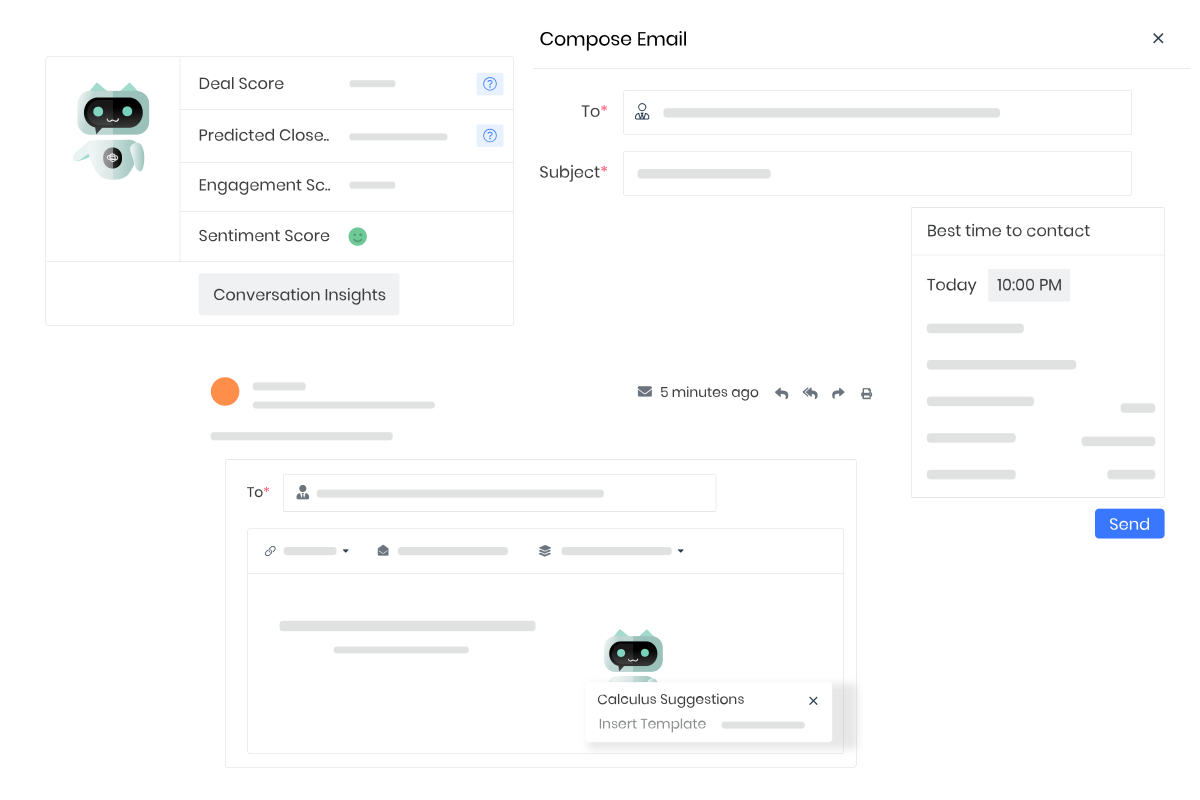
AI in a CRM for service industry supports decision-making across sales, marketing, and support. Calculus AI analyzes conversations to recommend next actions and identify risks such as churn. Chatbots handle routine queries using trained business knowledge, improving response times. Prompt Builder enables teams to use AI to draft emails, summaries, and actions. These tools help service organizations operate proactively rather than reactively.
Analytics & Intelligence
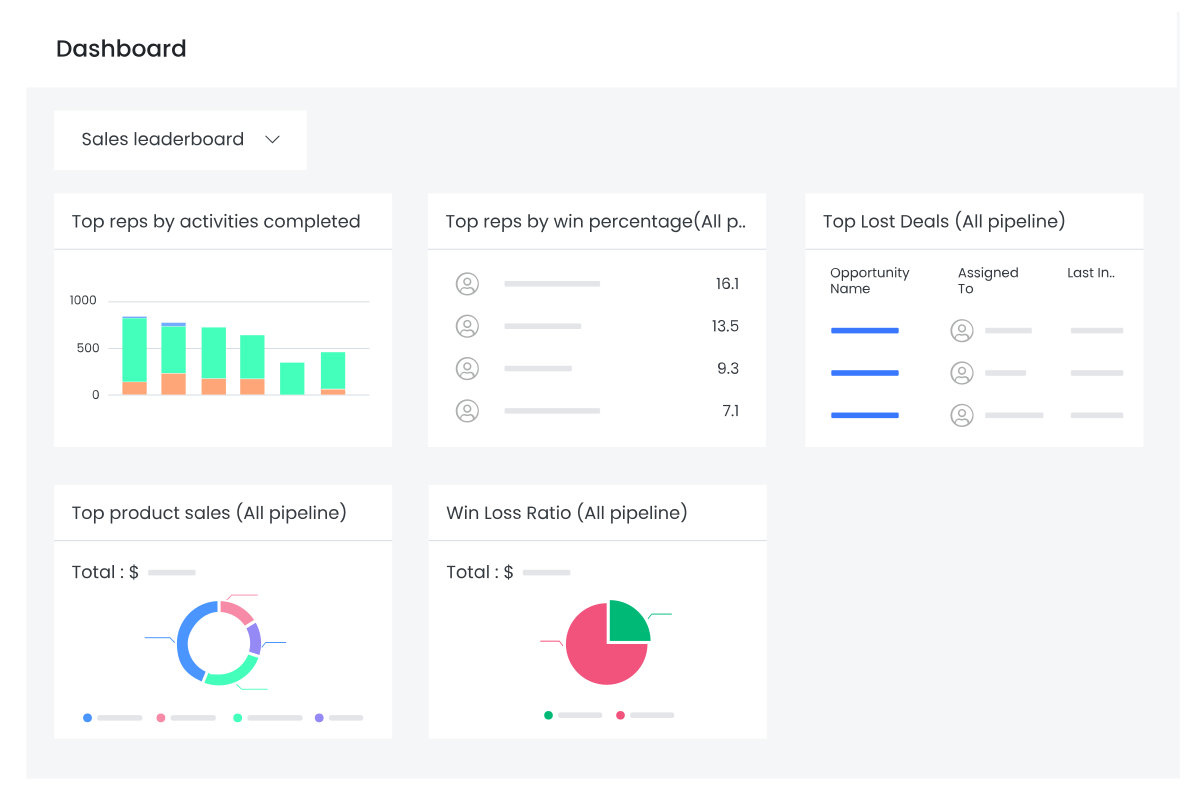
Analytics features in business CRM solutions turn operational data into actionable insights. Performance Insights highlight pipeline health and individual contributions. Reports allow teams to analyze revenue, service performance, and workload using real-time data. Dashboards provide role-specific visibility into sales and support activities. For a CRM for service businesses, this intelligence helps leaders identify inefficiencies early and make informed decisions around staffing, prioritization, and growth.
Communication & Collaboration
Effective collaboration is critical in a business services CRM, where service quality depends on coordination. Internal collaboration tools allow teams to discuss records without leaving the CRM. Calendars and events simplify scheduling and task tracking. Centralized documents ensure everyone accesses the same materials, while alerts and reminders keep teams aligned on commitments. Integrated video conferencing supports seamless client interactions without switching platforms.
Helpdesk Automation
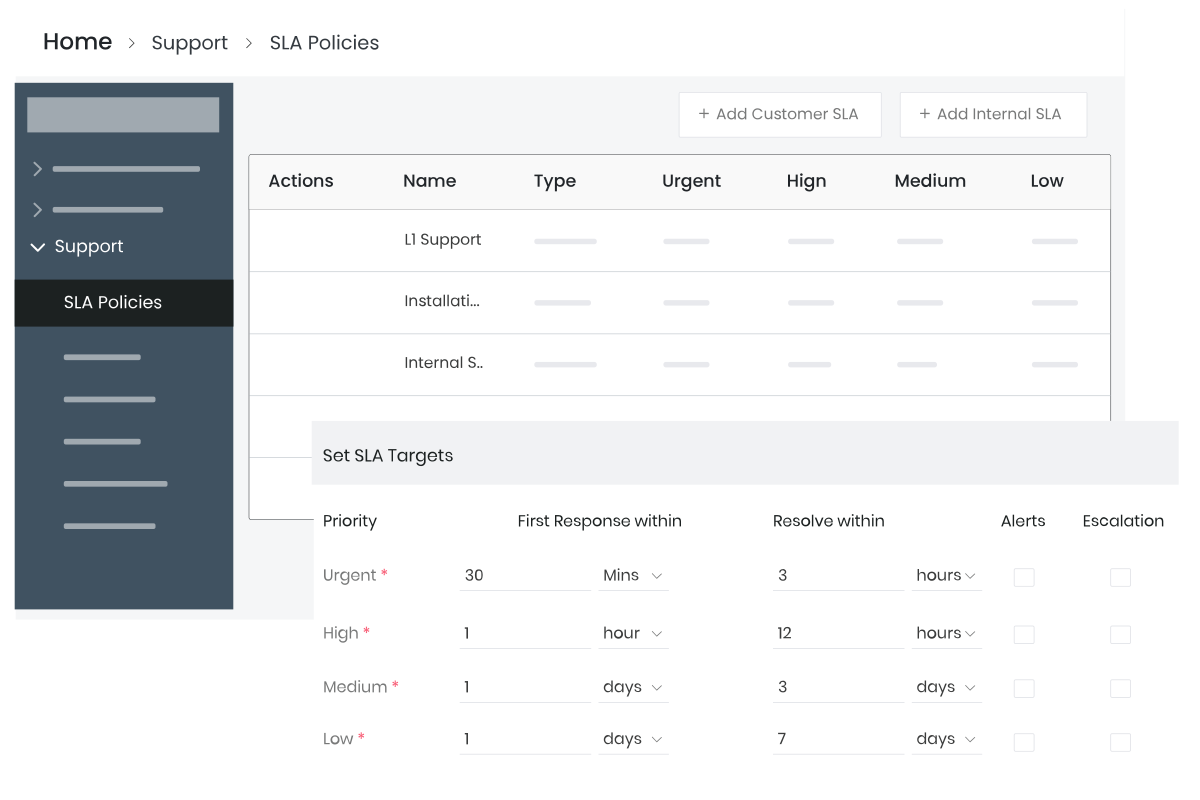
Helpdesk automation is a core requirement for any CRM for service companies. Cases are automatically created, prioritized, and tracked to meet SLA commitments. SLAs define response and resolution timelines based on urgency. Customer portals and FAQs enable self-service, while Mailroom converts incoming emails into tickets or tasks. Live chats and chatflows provide real-time support, helping service teams handle higher volumes without compromising quality.
Marketing Automation
Marketing automation in a CRM for service industry supports long-term relationship building rather than mass outreach. Email campaigns nurture prospects through sequenced communication, while webforms capture and score leads. Social modules centralize customer engagement across platforms. Landing pages and SMS campaigns extend reach, and short URLs support tracking. These tools ensure marketing efforts directly support sales and service workflows within a unified system.
Productivity
Productivity features in a professional services CRM support delivery execution alongside sales. Projects and tasks help teams manage milestones, deadlines, and workloads. Gantt charts provide visibility into timelines, while inventory features support billing, quotes, and vendor management. For service-based businesses, this integration ensures commitments made during sales are tracked and delivered operationally, reducing gaps between promise and execution.
Administration
Administration features provide control and scalability within crm business solutions. User management defines access based on roles and hierarchies. Approvals automate internal clearances for discounts, contracts, or exceptions. Workflows reduce repetitive effort by automating routine actions. In a CRM for service businesses, these controls ensure consistency, compliance, and governance as teams and customer volumes grow.
Tools
Built-in tools enhance adaptability in a CRM for service industry. Import and export simplify data movement, while customization allows businesses to adjust fields, views, and branding. Aide supports note-taking and follow-ups during meetings. Field sales tools improve on-ground productivity, and QR codes streamline data capture. These tools ensure the CRM fits real service workflows rather than forcing teams to adapt to it.