CRM and SaaS are often mentioned in the same breath, primarily because they show up together in commonly used tools. That overlap frequently blurs the line between what the software is supposed to do and how it is actually delivered. CRM deals with how customer conversations, follow-ups, and decisions are handled. SaaS simply decides how that software is accessed and maintained.
That difference starts to matter once you look beyond feature lists. Tool selection, deployment choices, and scale all depend on separating function from delivery. Read this blog to get a better view of the distinction of crm vs saas, so it’s easier to see where they differ, where they overlap, and how they work together in real use.
What is CRM and Saas?
A Customer Relationship Management (CRM) system is an application software built to manage customer data, interaction history, deal stages, and follow-ups across sales and marketing teams. Its role is functional and operational. A CRM answers questions such as who contacted us, what was discussed last, which leads are active, and what actions are pending. For businesses handling LinkedIn inquiries, inbound website leads, or real estate prospects, CRM functions as the system of record for relationship continuity.
Software as a Service (SaaS) is not a business function. It is a delivery model. SaaS means the software runs on cloud infrastructure and is accessed through a browser or mobile application via subscription. There is no local installation, no server ownership, and no manual upgrade cycle.
SaaS enables remote access, centralized updates, and shared use across teams.
The difference between CRM and SaaS becomes clear when viewed this way: CRM defines what the software does. SaaS defines how the software is delivered. Modern tools like Vtiger CRM exist at the intersection of both, where CRM capability is delivered entirely through a SaaS
Model.
Read about what a Saas Crm is here in detail.
What is the relationship between CRM and SaaS
Most modern CRM systems operate as SaaS applications. This means CRM logic runs on cloud infrastructure, while users access it through browsers, mobile apps, or APIs. SaaS handles availability, scalability, updates, and security. CRM handles contacts, pipelines, tasks, and communication history.
This relationship allows CRMs to integrate tightly with email systems, calendars, WhatsApp, LinkedIn, and marketing automation tools. For mobile teams working across offices, sites, and field locations, this combination supports continuous access without local setup or VPN dependency.
In practice, CRM and SaaS work together when CRM workflows depend on SaaS capabilities such as APIs, background processing, and real-time sync. For example, a SaaS CRM can automatically log inbound emails, schedule reminders, or update deal stages without manual input. This is why most real estate, consulting, and marketing firms now adopt CRM through SaaS rather than local installations.
For additional information on CRM hosting and infrastructure, read – Open Source Vs Cloud
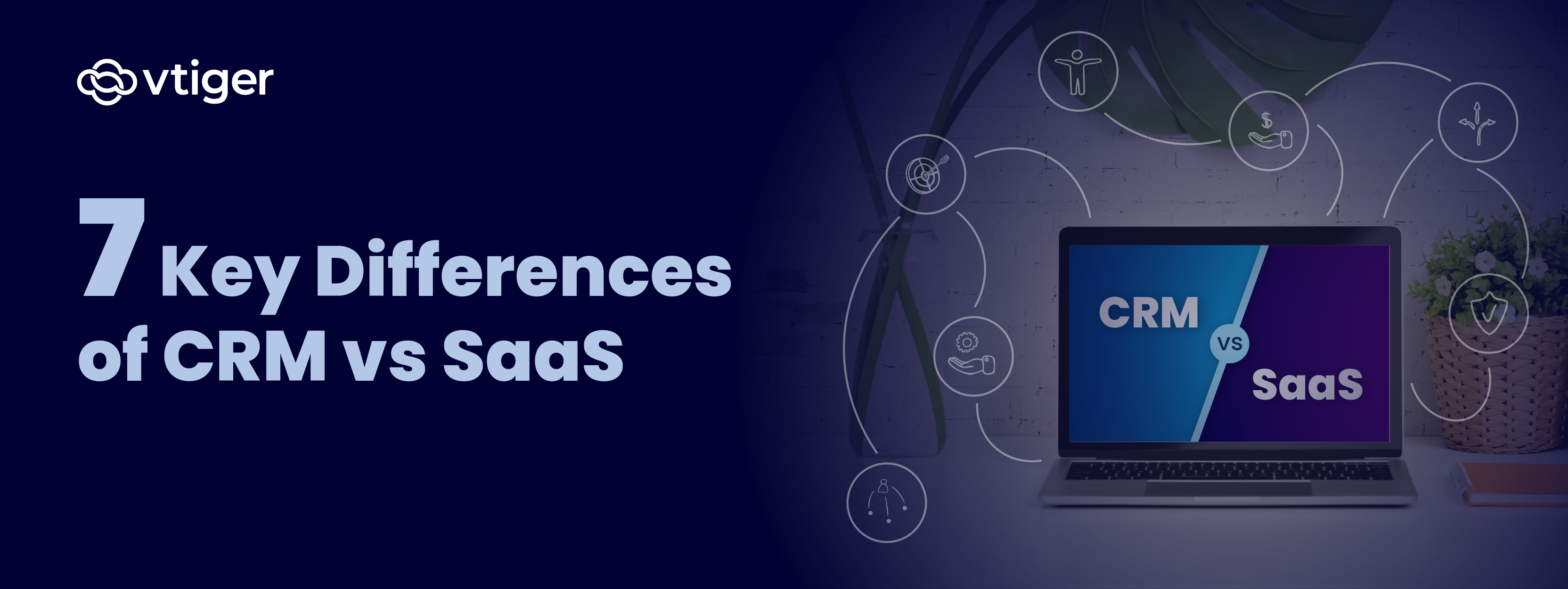
7 Key Differences Between CRM and SaaS
The table below explains the CRM vs SaaS distinction by expanding each aspect into operational terms relevant to businesses.
| Aspect | CRM (Customer Relationship Management) | SaaS (Software as a Service) |
| Purpose and Business Goals | • Manages the customer lifecycle end-to-end• Structures lead capture, nurturing, and conversion• Stores interaction history and preferences• Tracks deal movement and follow-up intent• Prevents context loss in high follow-up markets like Mumbai | • Delivers software through the internet• Does not define business workflows on its own• Acts as a delivery layer for many tools• Prioritizes accessibility and availability• Focuses on operational efficiency, not relationships |
| Features and Functionality | • Sales pipelines and deal stages• Contact timelines and activity with touchpoints• Task and follow-up automation• Lead and deal reporting• Integrations with marketing and content tools• Enables structured Implementation of CRM | • Subscription-based access• Automatic software updates• Multi-device availability• Shared user environments• Same delivery features across all apps |
| Deployment and Accessibility | • Can run on cloud or on-premise• SaaS CRM allows instant login anywhere• Supports hybrid and field teams• Accessibility shaped by CRM design | • Always cloud-based• Browser or application access only• No local installation required• Ideal for distributed teams |
| Cost and Pricing Models | • Per-user or tier-based pricing• Cost grows with users or contacts• Pricing aligns with customer scale• Investment tied to sales growth | • Flat-fee or usage-based pricing• Freemium models are possible• Predictable operating expense• No infrastructure investment |
| Scalability and Flexibility | • Scales by adding users or modules• Supports new regions and pipelines• Maintains workflow continuity• Critical for real estate expansion | • Scales infrastructure automatically• Performance grows without hardware• No capacity planning needed |
| Security and Compliance | • Controls customer data access• Role-based permissions• Audit logs and activity tracking• Encryption and DPDP Act alignment | • Hosting-level security management• Backups and disaster recovery• Uptime and availability handling• Applies to all SaaS applications |
| Use Cases and Examples | • Lead and opportunity tracking• Marketing automation workflows• Donor management for NGOs• Acts as a Business Services CRM | • Video conferencing tools• Productivity and collaboration apps• CRM as one SaaS category• Supports many business functions |
Read: ERP Vs. CRM
How CRM Fits into the SaaS Model
CRM works best when it stays available at the moment interactions happen. That requirement is what makes SaaS a natural delivery model. Customer activity does not follow office hours or fixed locations. The system has to remain available when conversations move.
Access That Matches Real Interaction Timing
Sales calls, follow-ups, and replies happen at uneven intervals. A SaaS-based CRM stays accessible during those moments. Users log in from any device. Records can be updated immediately. There is no waiting for office systems or local access.
Integration That Reduces Manual Work
CRM depends on data from other tools. Emails, calendars, and lead sources need to feed into the system without user effort. SaaS allows these connections to run continuously. CRM defines what gets tracked. SaaS ensures that data arrives without delay. This is where the difference between CRM and SaaS becomes visible in daily use.
Moving Away from On-Premise CRM
On-premise CRM limits access and slows updates. Maintenance depends on internal teams. SaaS removes these constraints. Updates happen automatically. Access remains consistent across locations. Teams can continue working while the system stays current.
Benefits of CRM as a SaaS Solution
Delivering CRM through SaaS improves reliability and coordination without requiring changes to how teams work. The impact shows up in daily use in the following manner:
Real-Time Collaboration Across Teams
Multiple users can work on the same customer record simultaneously. Notes appear instantly while Deal movement is visible across teams. This reduces misalignment and repeated follow-ups. This is where CRM and SaaS function symbiotically.
Scaling Without System Disruption
The user count can increase without technical changes. Automation can expand without redesign. Costs will increase with usage rather than with capacity planning. Businesses scale without rebuilding systems.
Productivity Gains Without Workflow Changes
SaaS CRM platforms now assist with summaries and follow-up reminders. These tools support existing processes. Teams do not need retraining. Output improves without workflow disruption.
Read: How CRM Benefits Small Businesses
Choosing the Right CRM for Your Business
Selecting a CRM requires looking beyond surface features. The system must support daily operations and remain stable as usage grows.
Match the CRM to Actual Work Patterns
Review how often records are updated. Identify when updates happen outside office hours. Check which channels trigger actions, such as WhatsApp or email. A CRM should naturally support these patterns.
Evaluate Flexibility and Longevity
The best CRM Platforms support change without breaking existing setups. Pipelines evolve. Fields get added. Integrations expand. The system should absorb these changes without instability.
Focus on Data Structure and Control
Reports should export cleanly. Access controls should remain clear. Logs should stay traceable. A strong Implementation of CRM reflects how the business actually operates, not how a demo looks.
FAQs
What is the difference between CRM and SaaS?
The difference between CRM and SaaS lies in functionality versus delivery. CRM is software designed to manage customer relationships, interactions, and pipelines. SaaS is a cloud-based delivery model built to access software through subscriptions. CRM defines what the system does. SaaS defines how that system is accessed, updated, and maintained over time.
Is CRM considered a SaaS product?
CRM itself is not automatically SaaS. It becomes SaaS when delivered through the cloud using a subscription model. Most modern CRM platforms are SaaS-based because this allows remote access, automatic updates, and easier scaling. Older CRM systems can still exist as on-premise software without SaaS delivery.
Can CRM software be deployed without SaaS?
Yes, CRM software can be deployed without SaaS through on-premise installations. In this setup, the business manages servers, updates, security, and access internally. While this offers control, it limits flexibility and remote access. For most operational teams, SaaS-based CRM is preferred due to lower maintenance and easier scaling.
How do CRM and SaaS impact business scalability?
CRM supports scalability by organizing growing volumes of customer data, leads, and interactions. SaaS supports scalability by removing infrastructure limits such as servers and manual upgrades. Together, crm and saas allow businesses to add users, automate workflows, and expand operations without system rebuilds or downtime.
Which is better for growing businesses in 2026: CRM or SaaS?
This is not an either-or decision. Growing businesses need CRM for managing customer relationships and SaaS for flexible delivery. A SaaS-delivered CRM combines both. It supports lead growth, remote teams, and system expansion without infrastructure complexity, making it the practical choice for businesses scaling operations in 2026.
How does Vtiger CRM fit into the SaaS model?
Vtiger CRM operates as a SaaS-based CRM, offering cloud access through subscriptions while supporting customization. It allows teams to manage contacts, pipelines, and automation without local installations. This fits the SaaS model by providing scalability, regular updates, and remote access while retaining CRM functionality for structured customer workflows.