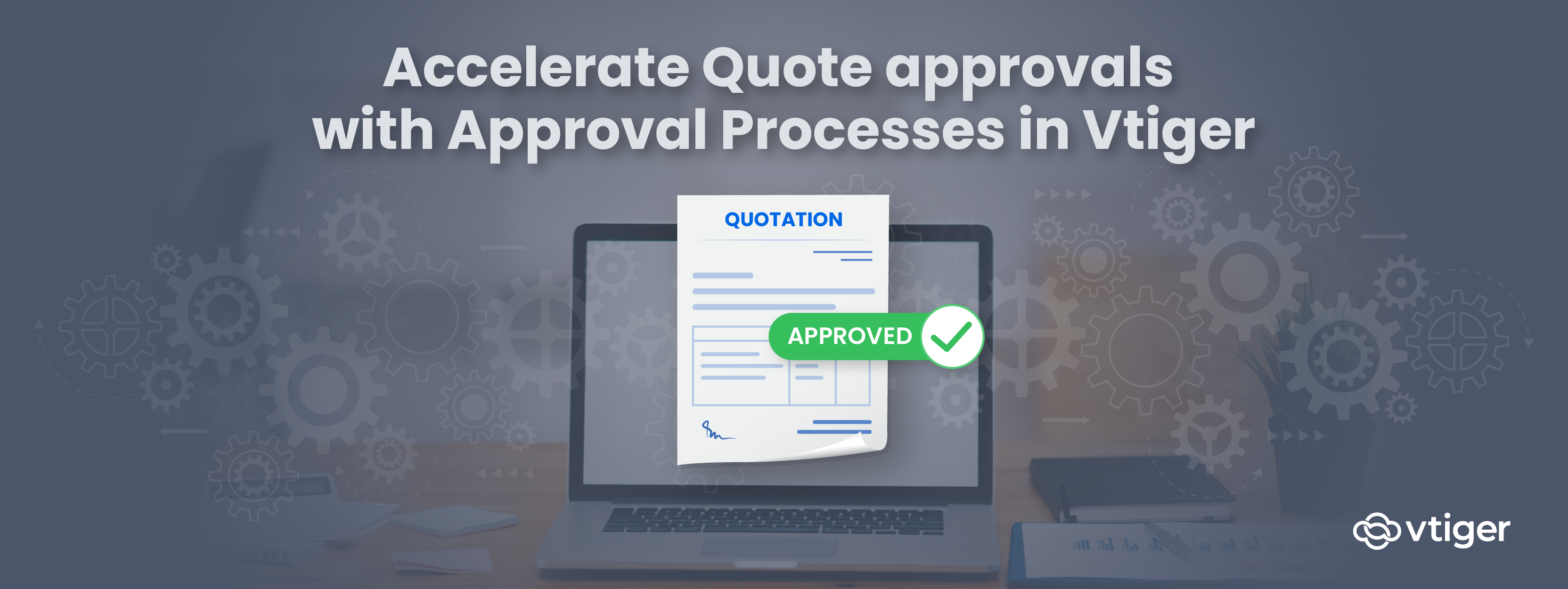
In everyday business, you deal with many business processes and documents that require approval from managers, executives, and other decision-makers. For instance, sales associates often turn to their managers for discount approvals on quotes. Using emails to request approvals potentially clutters inbox and proves to be inefficient.
Let’s say a customer asks for a 20% discount and you have to get the discount approved by your managers. First, you send an email to your level one manager who in turn refers it to a level two manager. Every email asking a question, feedback, or clarification adds to the email chain. A single missed “reply to” or “reply all” in those email conversations creates undesirable confusions. This whole process is inefficient, induces unwanted delays, and sometimes approvals could even be lost in transit.
Introducing Approvals in Vtiger CRM:
Vtiger’s new Approvals configuration allows CRM administrators to define approval workflows directly on CRM records. Instead of approvals happening outside the system, requests move through predefined rules inside the CRM itself.
Approvals can be applied to quotes, discounts, campaign budgets, or any process that requires managerial sign-off. This ensures approvals follow a consistent path, remain visible to all stakeholders, and are recorded against the actual business record.
Auto-Send Quotes for Approval Based on Rules
With Vtiger’s approval process in place, you no longer have to send emails, hold meetings, make calls, or chase down approvers to get quotes approved. Quotes are automatically sent for approval when predefined conditions are met, making approvals part of the quoting workflow instead of a separate manual step.
Support single-level and multi-level approvals
Vtiger allows quotes to be sent for approval from a single approver or multiple approvers depending on the situation. This flexibility helps businesses mirror their actual reporting and decision-making structures inside the CRM.
Apply discount-based approval logic
Vtiger allows you to set up a discount on quotes or sales orders based on manager levels. Let’s say if a discount on a quote is below 10%, it may require only level one manager approval. Any discount above 10% can be configured to require approvals from both level one and level two managers. This ensures higher-risk discounts receive appropriate scrutiny without slowing down routine approvals.
Simple setup and automatic routing
To automatically send approval requests, a CRM admin can configure an approval workflow in just a few minutes. Once conditions and approvers are defined, every quote created in Vtiger is evaluated and routed automatically, without manual intervention.
Eliminate delay
Approval delays usually happen when context is split across emails, calls, and follow-ups. Vtiger keeps the entire approval conversation attached to the quote itself, so decisions move forward without waiting on manual coordination.
Direct access to the quote record
When you submit a quote for approval, approvers receive an email containing a link that takes them directly to the quote record in Vtiger. This removes the need to search through inboxes or rely on forwarded attachments to understand what needs review.
Clarifications handled inside the record
During the review process, approvers can ask questions directly within the quote by @mentioning the relevant people in the comment section. This keeps clarifications tied to the quote instead of scattered across separate email threads.
Faster responses through real-time notifications
Since @mentioned users are notified in real time, questions are answered quickly. This reduces waiting time between clarification and decision, allowing approvals to move forward without unnecessary pauses.
Approve or reject with full context
All discussions, clarifications, and decisions stay visible on the quote record. Based on this complete context, the approver can confidently approve or reject the document without additional back-and-forth.
Ensure only fully approved documents reach customers
Sharing quotes before approvals are finalized creates risk, especially when approvals rely on long email chains. Vtiger enforces approval completion before a quote can move forward, preventing errors caused by missed confirmations.
Sequential Approvals
With Vtiger’s Approvals in place, quotes move through approvers in sequence. A quote reaches the next approval level only after the previous one is completed.
Approval Enforcement
If any approver rejects the quote, the process stops immediately. The record remains locked until all required approvals are completed, ensuring only fully approved documents reach customers.
Challenges of Not Using Approvals in Vtiger CRM
Email approval gaps
Consider drafting a quote with a 15% discount and emailing it to your manager for approval. The request is forwarded to a level two manager, and discussions continue across multiple emails suggesting different discount levels.
Missed confirmations
As email threads grow, important approvals can get buried. A sales rep may assume approval has been granted based on partial responses and send a quote without realizing a higher-level approval was already given.
Incorrect quotes sent
After sending a 10% discount quote, the prospect later informs you they chose a competitor offering 12%. When your manager reviews the email history, she finds the level two manager had approved a 13% discount. The approval existed but was missed, resulting in a lost deal.
You may also find these topics interesting
With Vtiger’s Approvals set up, you will never face such a situation. Vtiger allows you to submit quote to multiple approvers at different managerial levels. If you have one approver at 3 managerial levels, then the quote will be forwarded to level 2 manager only after the level 1 manager approves it. And the quote will be rejected if a manager at any of these three levels rejects.
Since managers at the higher level can always track status on approvals and view quotes, they can always suggest changes if needed. This way everyone involved in quote approval process will always stay up to date on the approval progress.
Read Approvals documentation to learn how to set up approvals. Have any questions? write to us at [email protected]